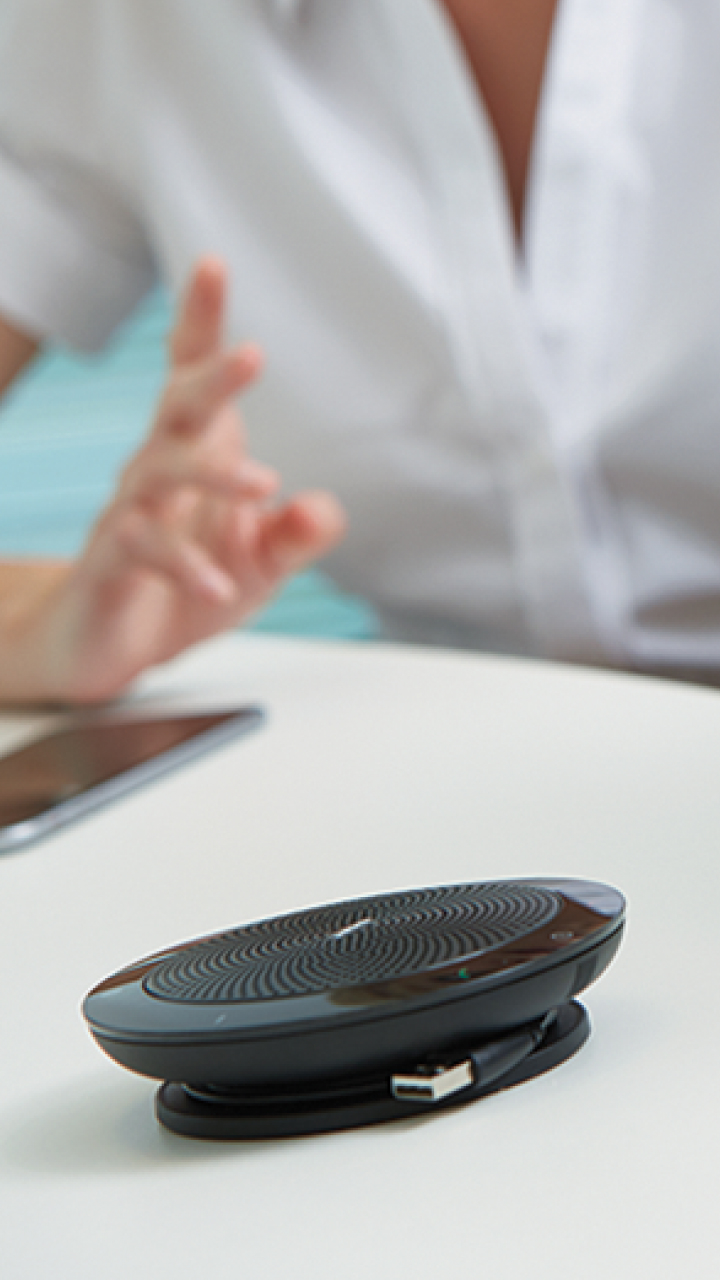
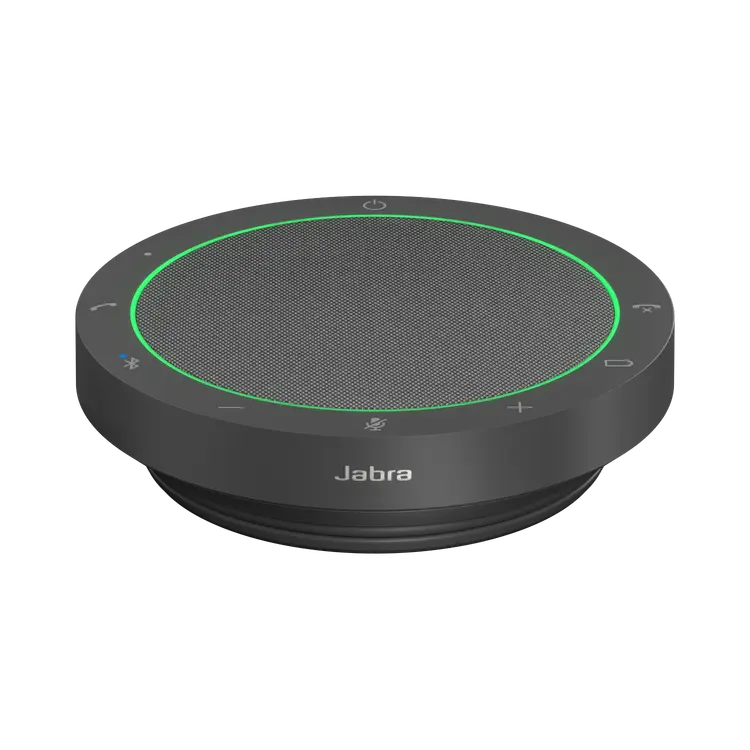
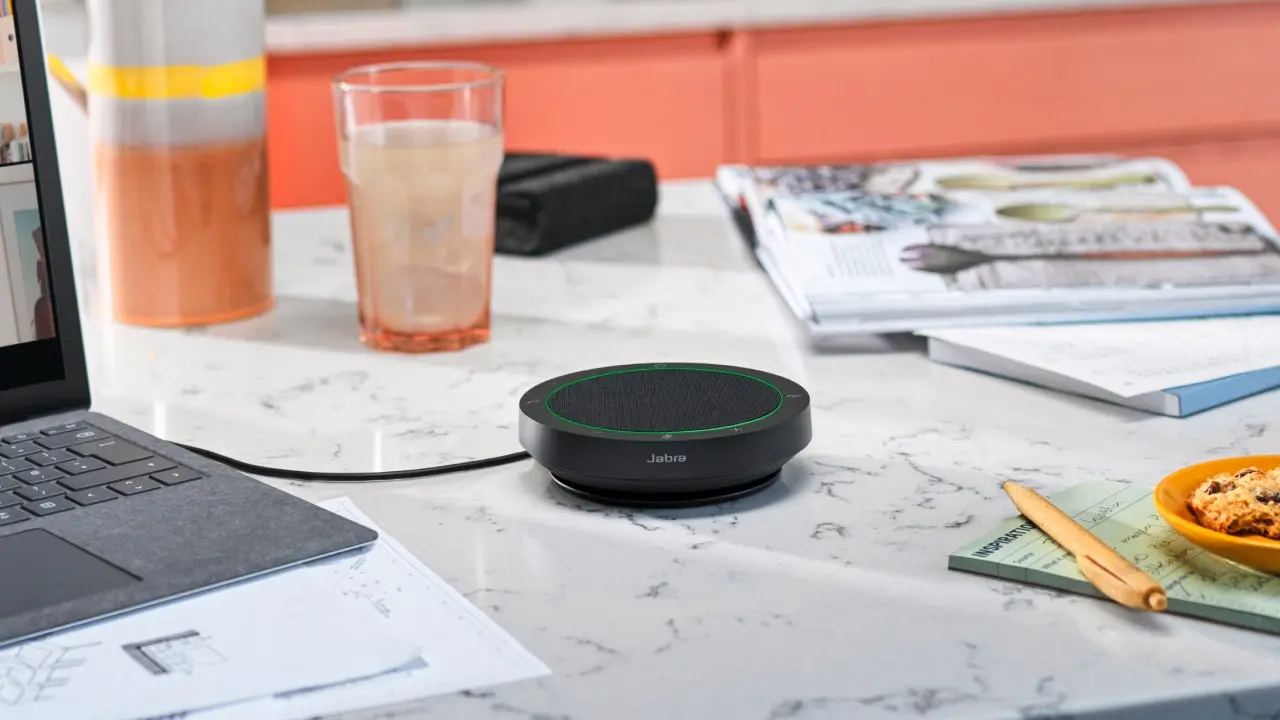
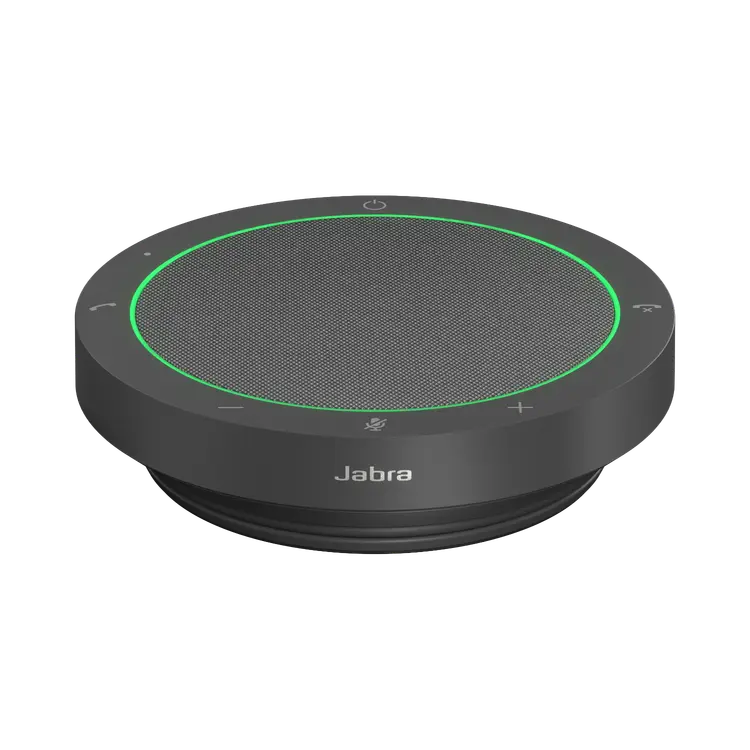
Engineered to be unplugged. Portable USB and Bluetooth® speakerphone.

Include USB dongle for your PC
Optimized for

Sold out

Why you'll love Jabra Speak 510

Crystal-clear mic

Quality conversations for more efficient meetings

360-degree voice pick-up

Make sure everyone is heard

UC certified

When collaboration is easy, everyone is happy

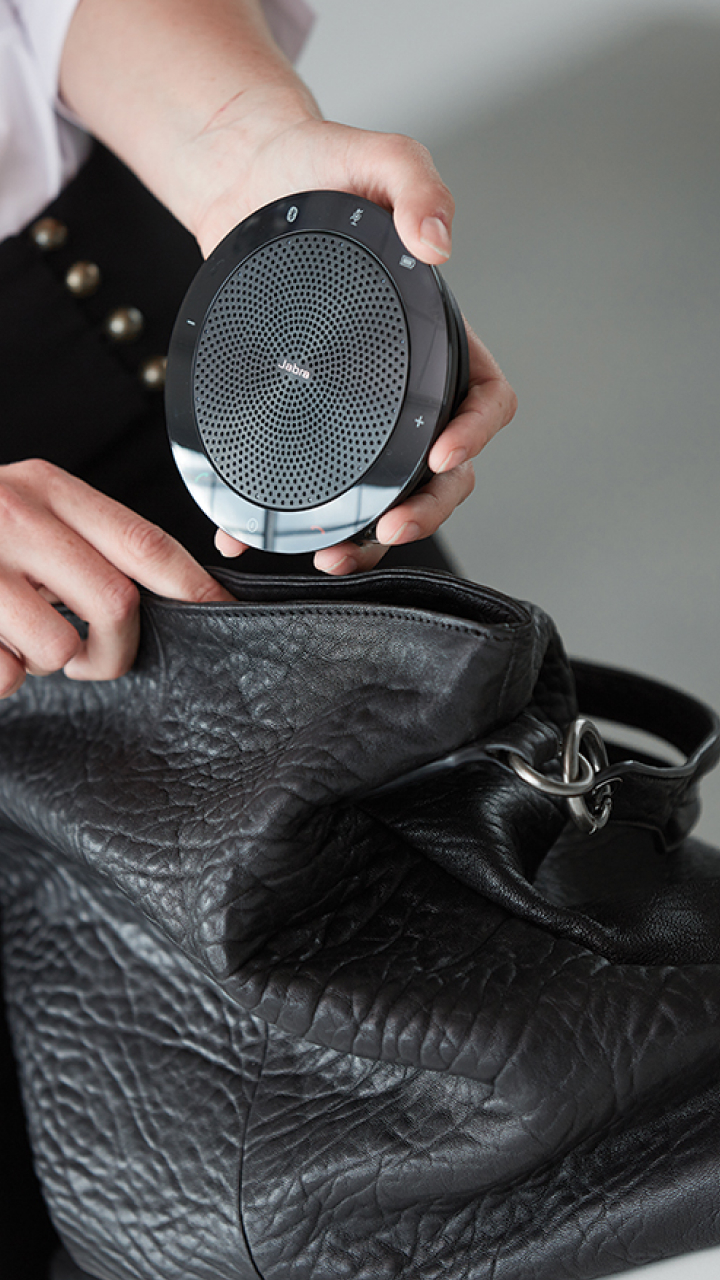
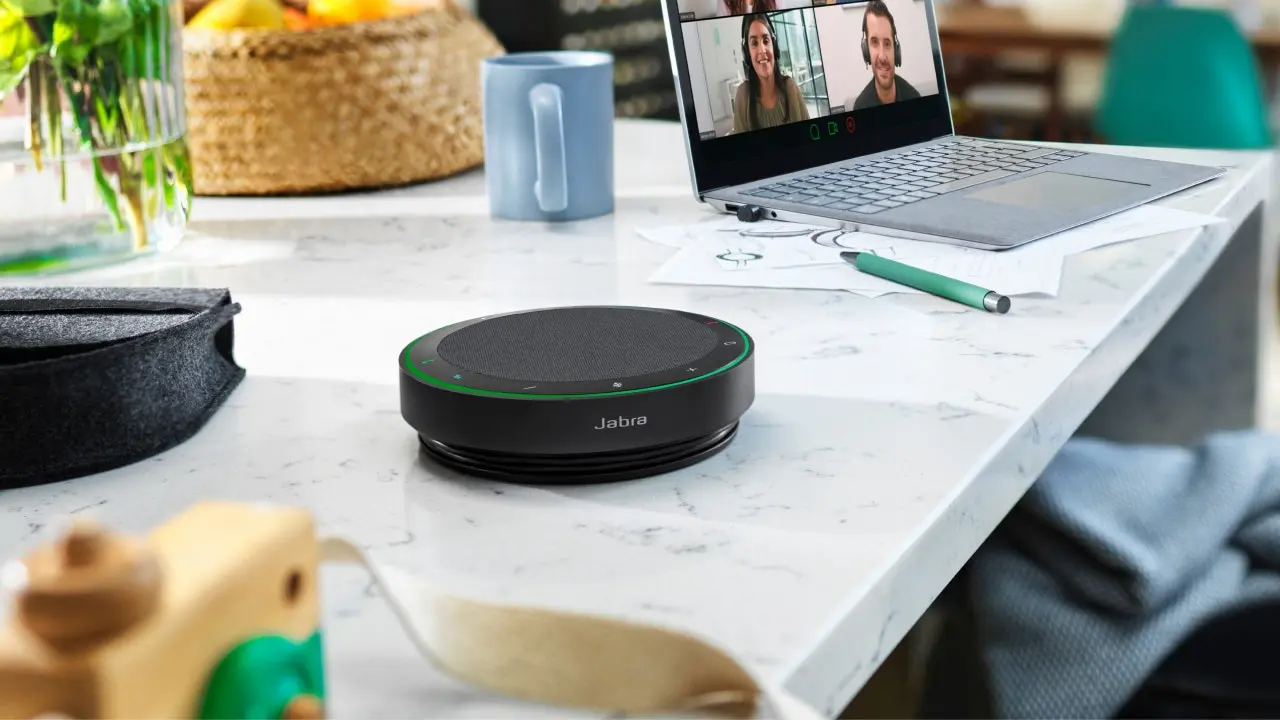
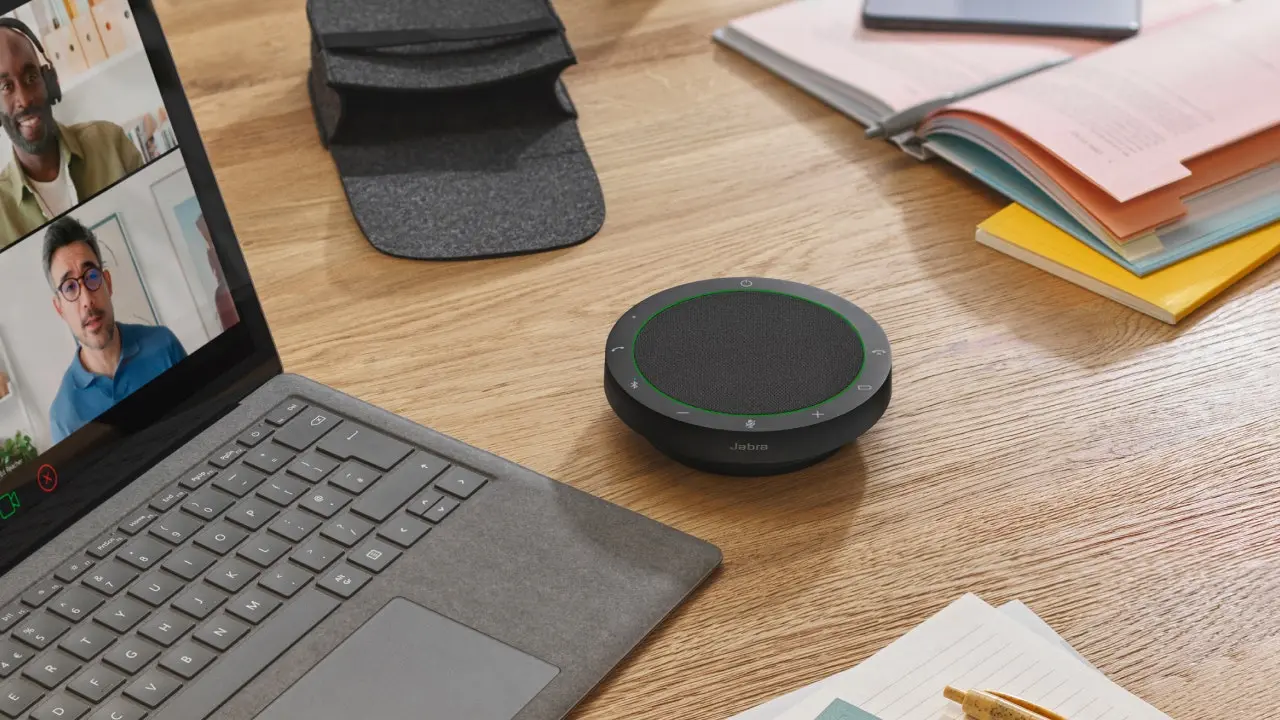
Compact design

Hold meetings wherever you go

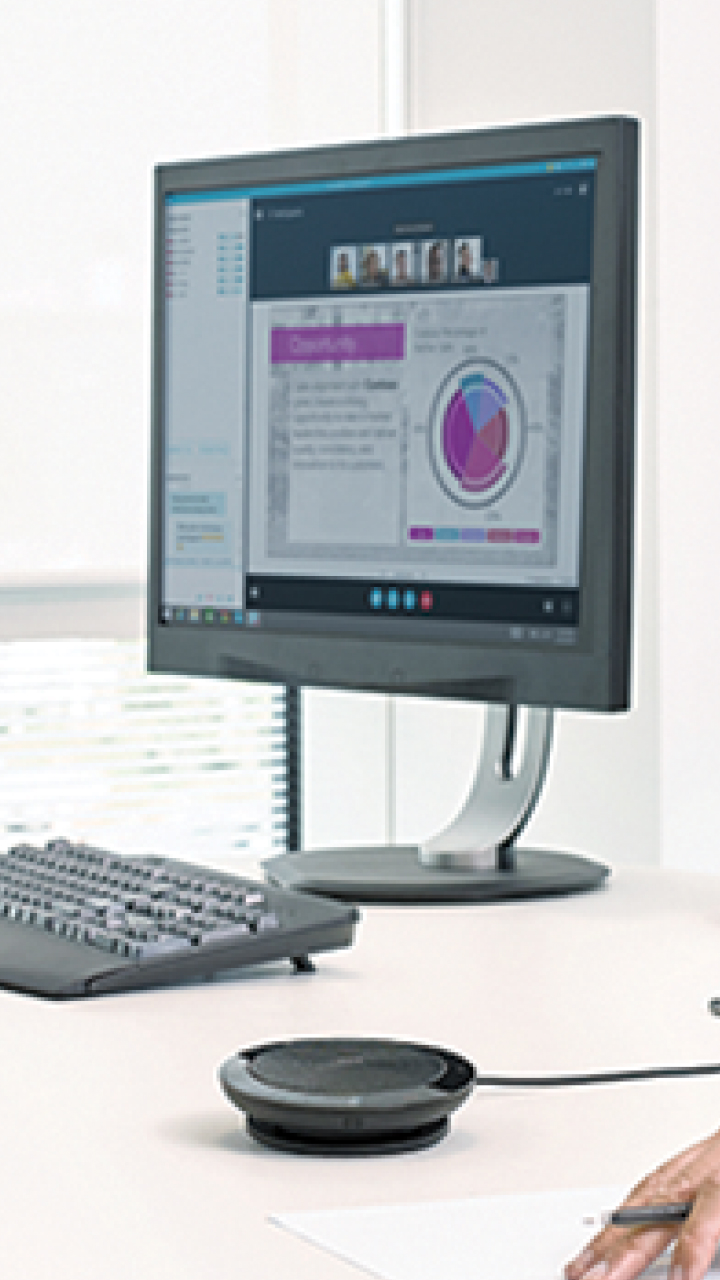
Seamless Connectivity

Simple Plug and Play set up via USB or Bluetooth ®

Voice assistant

Your digital assistant is just one tap away

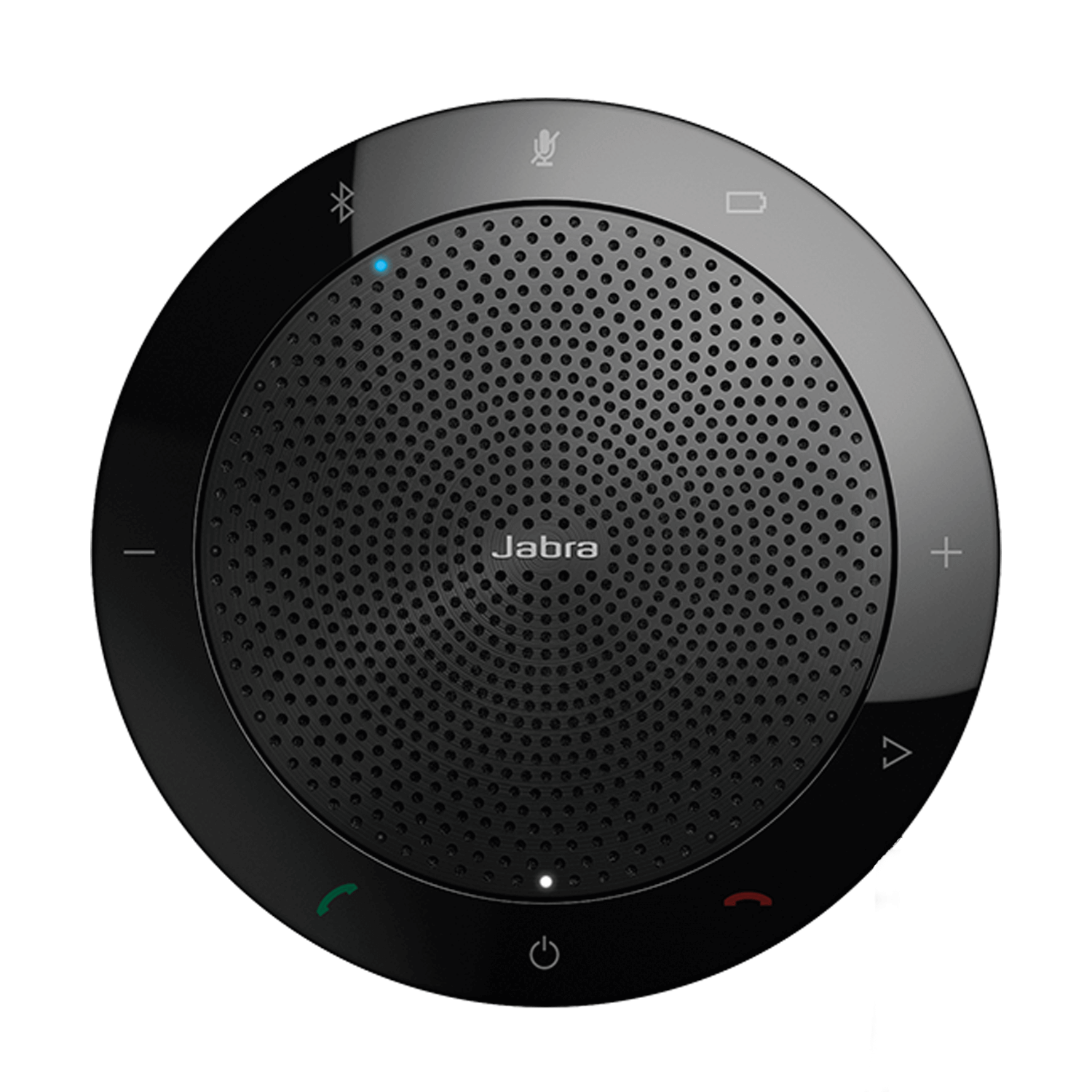
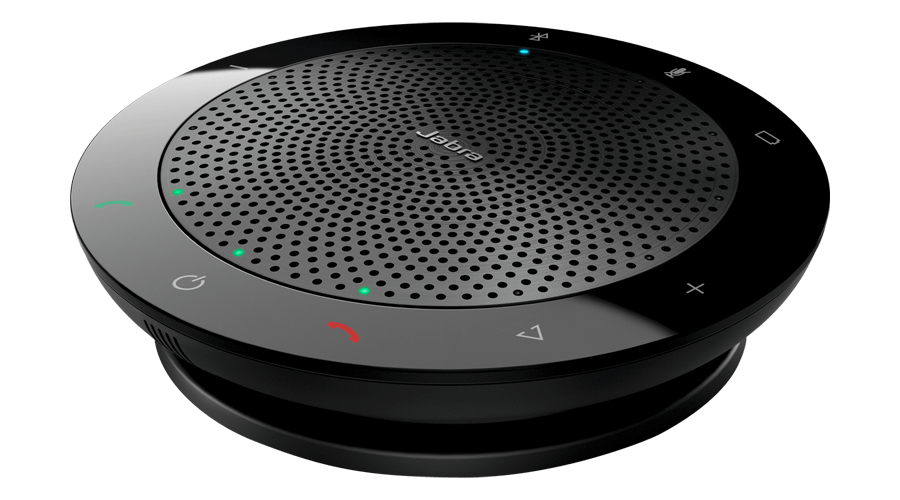
Product overview

LED indicator

Indicates when the speaker is on

LED indicator

Indicates when Bluetooth is on

Volume down button

Tap, or press and hold to turn volume down

Mute button

Tap to mute/un-mute

Volume up button

Tap, or press and hold to turn volume up

Smart button

Programmable button. Tap for speed dial, or one-touch access to voice assistants

End/reject call button

Tap to end or reject a call

Power button

Press to power on/off

Answer call button

Tap to answer a call

Battery status

Tap to display the current battery level

Bluetooth button

Tap to turn bluetooth on/off

Jabra Speak 510

Technical specifications

  • Microphone Type
    Omnidirectional microphone
  • Certifications
    Certified for Skype for Business and optimized for all leading UC platforms
  • Connectivity
    USB and Bluetooth
  • Bluetooth® standard
    Bluetooth® 3.0
  • Wireless range
    Up to 100 ft / 30 m
  • Supported Bluetooth® profiles
    A2DP (v1.2), Hands Free Profile (v1.6), Headset Profile (v1.2), AGHFP (v1.6)
  • Talk time
    Up to 15 hours
  • Standby time
    Over 200 days with Automatic power off feature
  • Charging time
    Approximately 2 hours
  • Speakerphone weight
    195 g / 6,88 oz
  • Whats in the box
    Jabra Speak 510 – Pouch – Jabra Link 380 (PC USB Bluetooth dongle comes with Jabra Speak 510+) – Quick Start Guide – Warranty and Warning leaflets

Product support

Support content including User Manuals, FAQs, Video Tutorials, and more.

Find support

Payment Methods

  • system.PaymentMethodLogo
  • Apple Pay payment method icon
  • system.PaymentMethodLogo
  • system.PaymentMethodLogo
  • system.PaymentMethodLogo
  • dinersclub logo
  • system.PaymentMethodLogo
  • system.PaymentMethodLogo
  • system.PaymentMethodLogo
  • Bank Transfer
  • system.PaymentMethodLogo
  • system.PaymentMethodLogo